
<img height="1" width="1" style="display:none;" alt="" src="https://px.ads.linkedin.com/collect/?pid=678804&amp;fmt=gif">
Skip to content
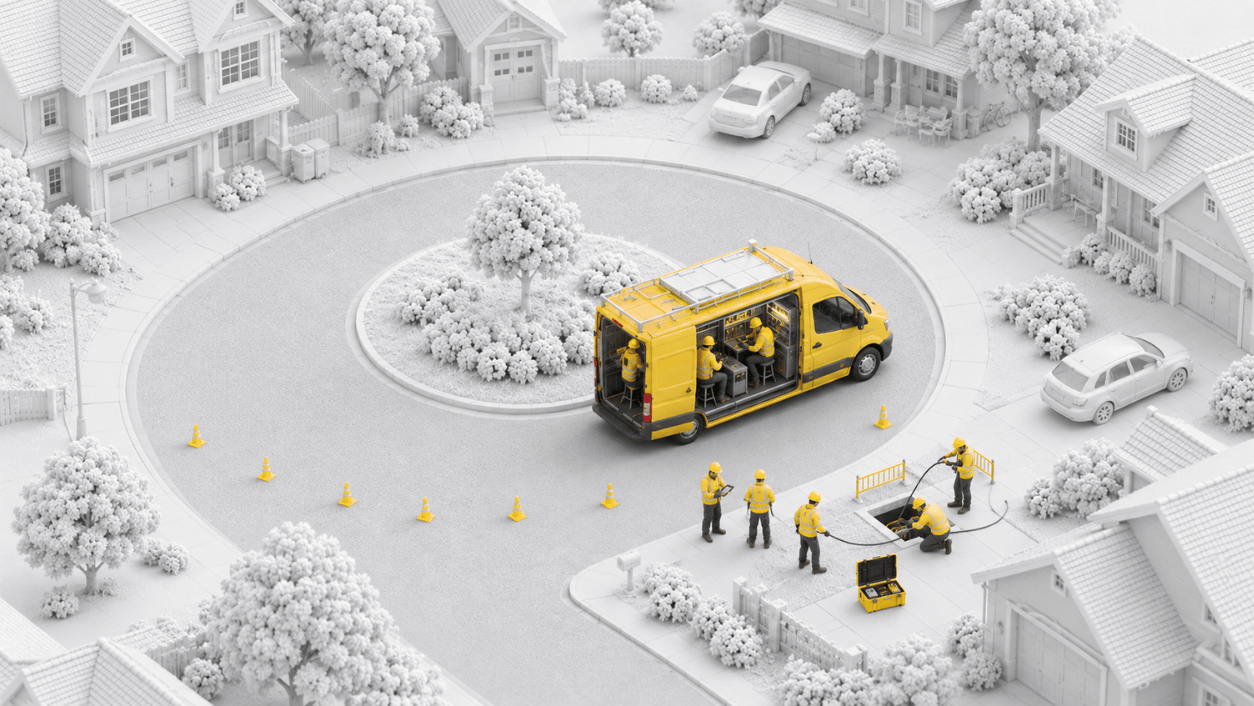
Crew inspecting a fiber handhole in a residential cul-de-sac Crew inspecting a fiber handhole in a residential cul-de-sac at night

Quality, Inspections & Closeouts

Catch Issues Before They Become Rework

Vitruvi brings inspections, escalations, and closeout into one workflow, backed by AI verification, so quality is enforced consistently across every crew and contractor.

7-8x
Faster photo QA review
95%
Fewer photos needing a human review
40%
Reduction in callbacks and rework
HOW IT WORKS
From Field Photo to Verified Handoff

Quality checks happen as work is reported, not weeks later, so issues are fixed while crews are still nearby and closeout is ready when the work is.

icon_checkmark-1

Step 1

Set the Standard

Define QA checklists by asset and work type. Required items must be complete before crews can submit.

Icon for human union

Step 2

Crews Submit Proof

Photos, checklist results, and hazard assessments are captured with every production report.

Icon for diamond

Step 3

Verify and Resolve

AI reviews field photos against QA requirements. Inspectors handle the exceptions and track issues to resolution.

icon-colum-3

Step 4

Close Out With Confidence

Verified as-builts and closeout packages come together from approved work, ready for handoff.

What You Can Do With Quality, Inspections & Closeouts

Inspect & Verify

PLACEHOLDER: replace with QA checklist or AI Inspector screenshot

Inspect & Verify

One standard for every crew and contractor. Inspection checklists are built into the work, and AI reviews field photos so inspectors can focus on exceptions.

  • Inspections and QA: checklists by asset and work type, required before submit

  • Spot checks or full inspections: validate a sample or review every item

  • AI photo verification: field photos checked against QA requirements remotely

  • CV feedback loop: AI accuracy improves with every inspection

“As soon as production is entered, I can review it, approve it, and keep things moving without delays.”

Project Coordinator, BAM

Resolve Issues
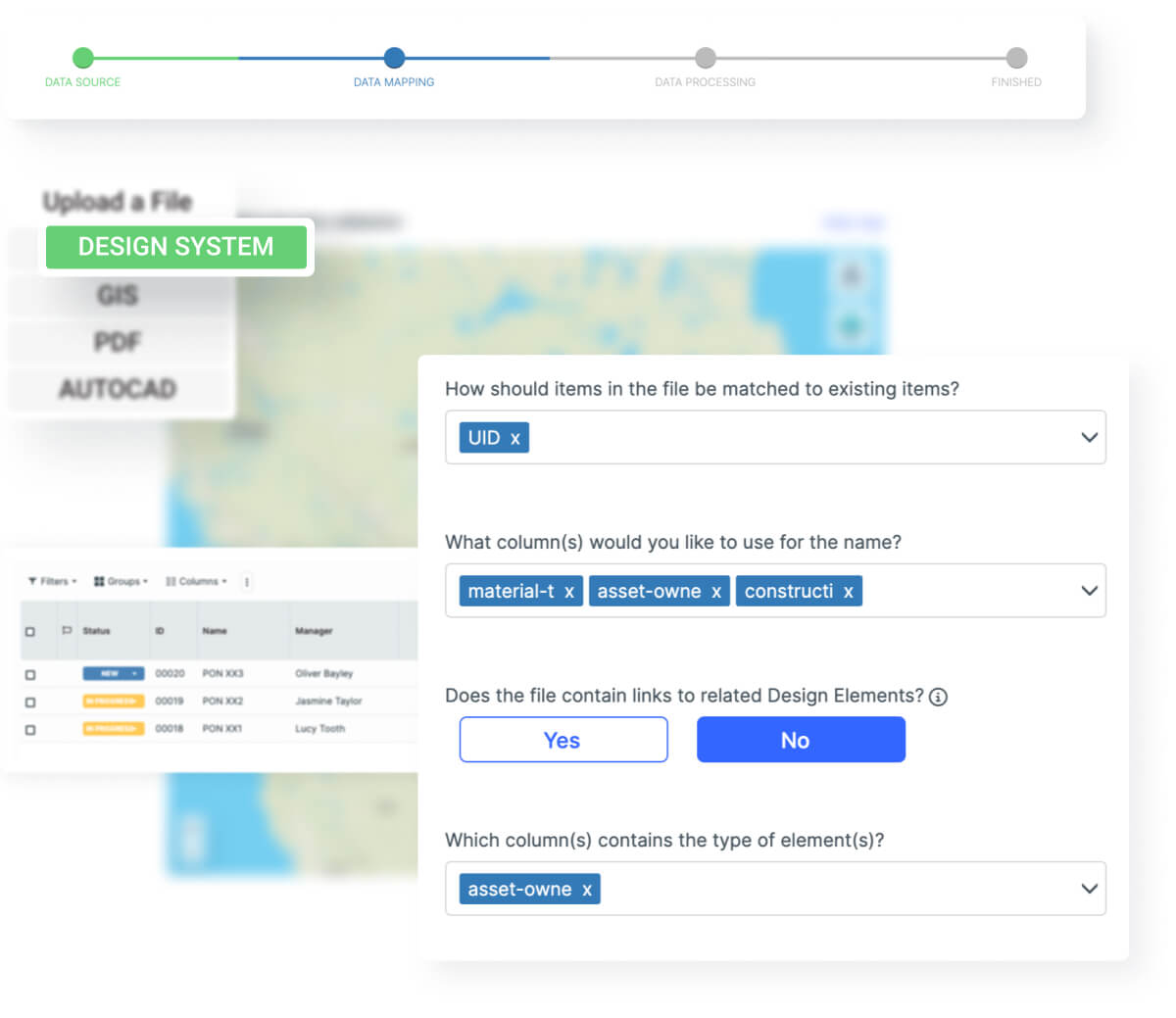
PLACEHOLDER: replace with ticketing screenshot

Resolve Issues

Every issue has an owner and a history. Raise tickets on a work item, an asset, or a map location and track them through resolution.

  • Escalations and ticketing: priority levels and assigned owners

  • Shared history: comments and updates stay with the related work

  • Safety built in: mandatory hazard assessments before crews submit

  • Nothing falls through the cracks: open issues visible across every project

“When you’re doing it on paper and everybody’s writing things down, things get missed and bypassed.”

Infrastructure Senior Project Manager, CEC

Close Out Clean
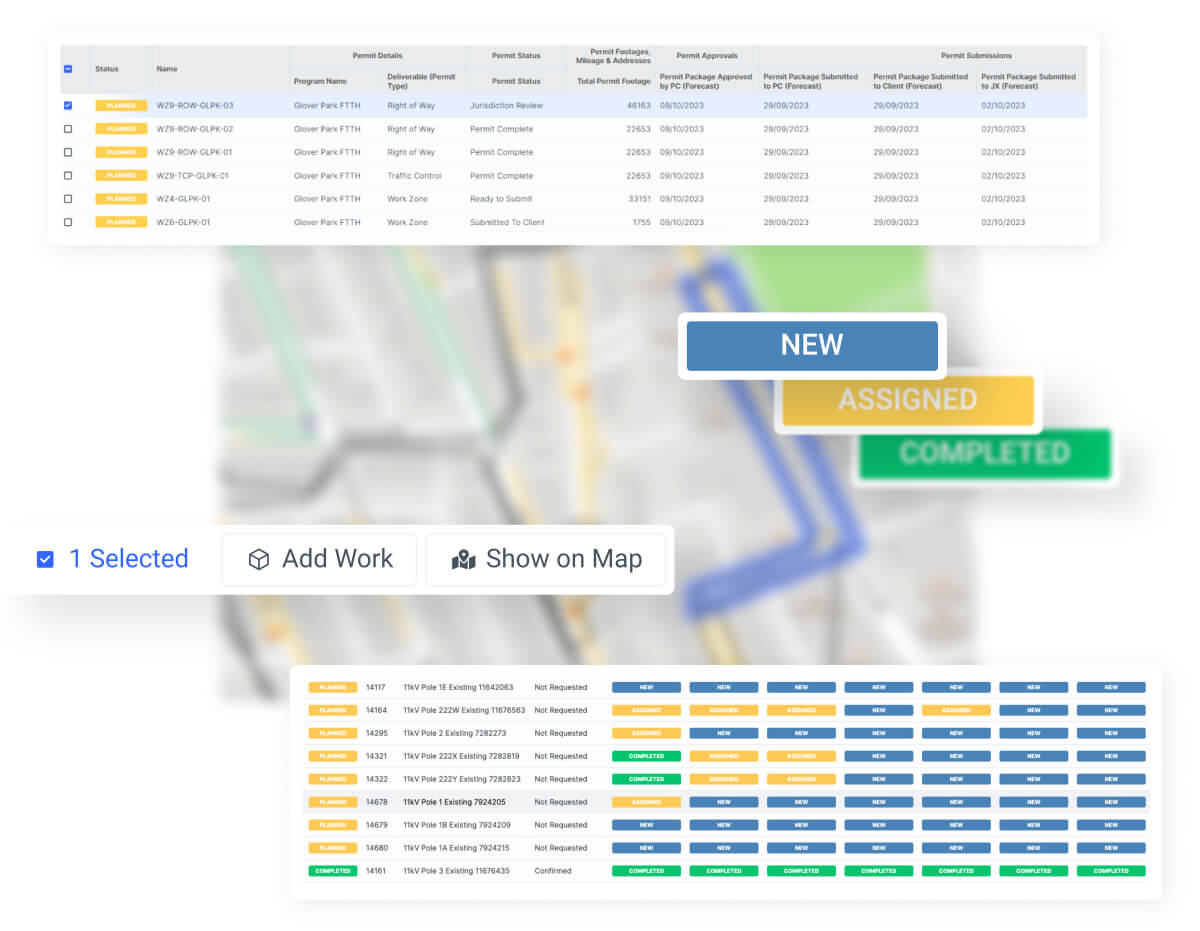
PLACEHOLDER: replace with closeout package or as-built screenshot

Close Out Clean

Hand off finished work with proof. As-built records stay current as work is approved, and closeout packages come together from the work itself.

  • Custom closeout packages: files, photos, and annotations per work package

  • Verified as-builts: design updated from approved field markups

  • Faster handoff: complete records ready for operations

  • Data extraction: structured exports for reporting and downstream systems. See Reporting & Analytics

“We’ve seen about a forty percent drop in customers coming back and saying something was missed, and our incident rate is down too.”

Systems Administrator, EPC

Built for the Teams Who Sign Off on the Work

QA/QC Managers & Inspectors

Apply the same inspection standards to every crew and contractor. Focus site visits on exceptions while AI verification handles routine checks.

Engineering & Design Teams

Receive accurate as-built data tied directly to the original design, so records stay current and closeout packages are ready when work wraps up.

Asset Owners & Operators

Accept completed work with confidence. Verified quality records and as-built documentation make handoff to operations faster and cleaner.

“Our guys don’t have to go out to the field to check if a ped or handhole is set properly. They can just look at the pictures, make sure everything looks good, approve it, and move on. So it saves us money in QC resources as well.”

Trusted by Industry Leaders

FAQs About Construction Quality and Closeout Software

What is construction quality and closeout software?

Construction quality and closeout software standardizes how work is inspected, how issues are resolved, and how final documentation is delivered. Vitruvi brings inspections, escalations, and as-built closeout into one workflow tied directly to the work in the field.

How are inspection checklists set up?

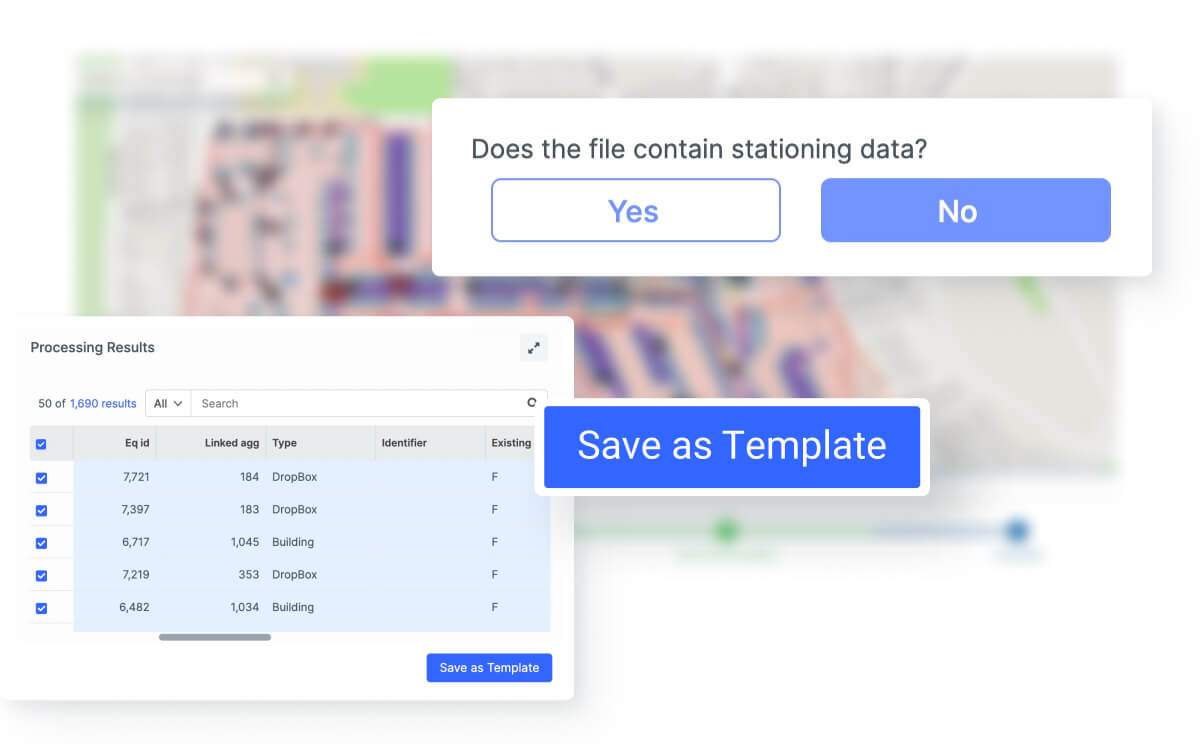
Administrators define QA checklist items by asset type and work type and decide whether each item is required, optional, or read-only. Required items must be completed before a crew can submit, so the same standard applies to every contractor.

What is the difference between spot checks and full inspections?

Spot checks validate a targeted sample of completed work, while full inspections review every item against the required standard. Teams can use either approach, and results stay attached to the work item for a complete quality record.

How are issues raised and tracked through resolution?

Tickets can be raised on a work item, an asset, or a map location, with a priority level and an assigned owner. Everyone involved can comment and update the ticket, and its full history stays connected to the related work.

How does Vitruvi produce as-built documentation?

On GIS projects, crews mark up as-built locations on the map and the design record updates when reports are approved, while the original design is preserved for comparison. On PDF projects, annotated drawings can be merged into closeout packages filtered by date, work type, or contractor.

How does AI verification support quality control?

AI Field Inspector reviews field photos against QA requirements to verify work quality remotely. Inspectors can focus site visits on exceptions instead of checking every task in person.

What is the CV Feedback Loop?

The CV Feedback Loop feeds inspection outcomes and field results back into Vitruvi's computer vision models. AI verification becomes more accurate with every inspection your teams complete.

Can safety checks be built into field workflows?

Yes. Field Level Hazard Assessments can be configured by work type and made mandatory before crews submit a report. Crew sign-offs, hazards, and mitigations are captured alongside the work.

Can quality and closeout data be exported?

Yes. Structured project and production data can be exported for reporting, analysis, or downstream systems. Learn more on the Reporting & Analytics page.

Enforce Quality on Every Build

Vitruvi brings inspections, escalations, and closeout into one workflow, so quality is consistent across every crew and contractor.