
<img height="1" width="1" style="display:none;" alt="" src="https://px.ads.linkedin.com/collect/?pid=678804&amp;fmt=gif">
Skip to content
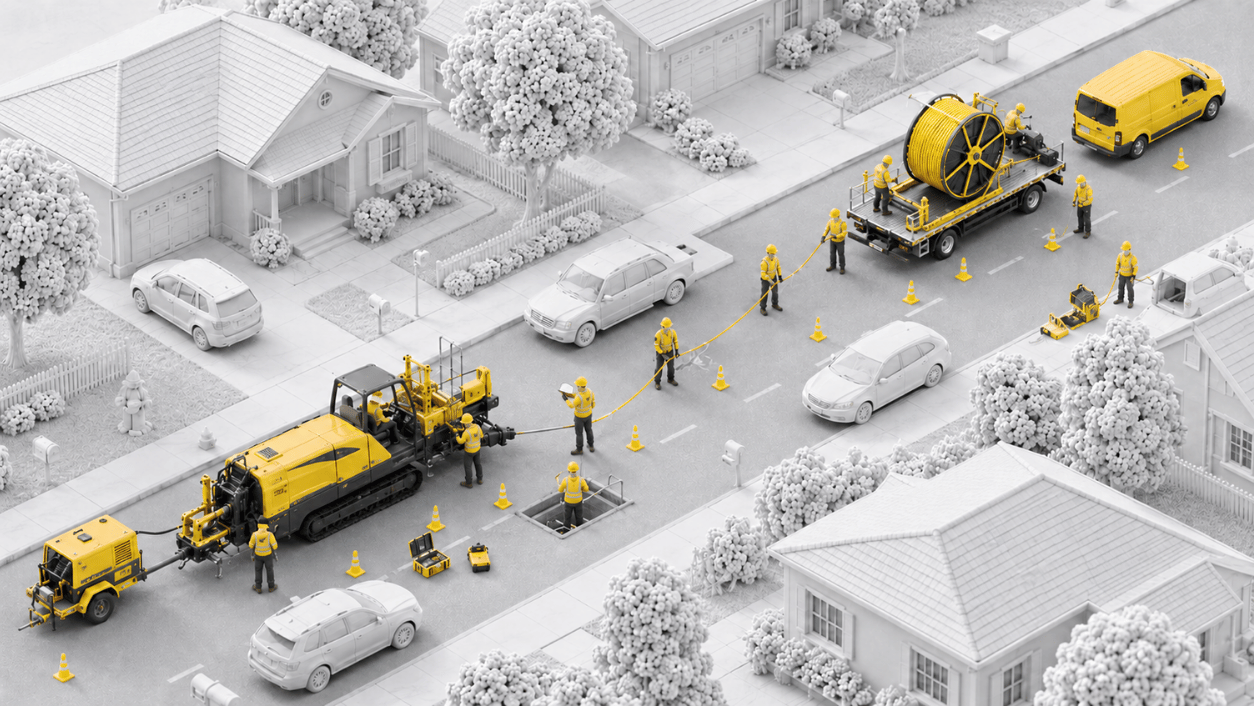
Field crews installing fiber along a suburban street Field crews installing fiber along a suburban street at night

Field Execution

Give Crews a Faster Way to Report, Give Yourself Real-Time Visibility

Vitruvi Field Execution puts structured, guided data capture directly in the hands of crews, on web and mobile, so production data flows into the system the moment work happens.

3x
Faster field report verification and submission
40%
Fewer customer callbacks for missed work
2x
Greater approval and verification efficiency
HOW IT WORKS
From the Job Site to the Office, the Same Day

Field Execution connects every report to the work it describes, so approved production updates progress and billing without anyone re-keying it.

icon_checkmark-1

Step 1

Work Is Assigned

Crews see their assigned work on the mobile map or list. Job Confirmations make sure it is ready before they mobilize.

Icon for human union

Step 2

Crews Report From Site

Quantities, photos, and redlines are captured in guided workflows, even without a signal.

Icon for diamond

Step 3

Managers Approve

Supervisors approve or reject with comments. Approved work is marked complete automatically.

icon-colum-3

Step 4

Progress and Billing Update

Approved quantities flow straight into progress tracking, budgets, and billing.

What You Can Do With Field Execution

Report From the Field

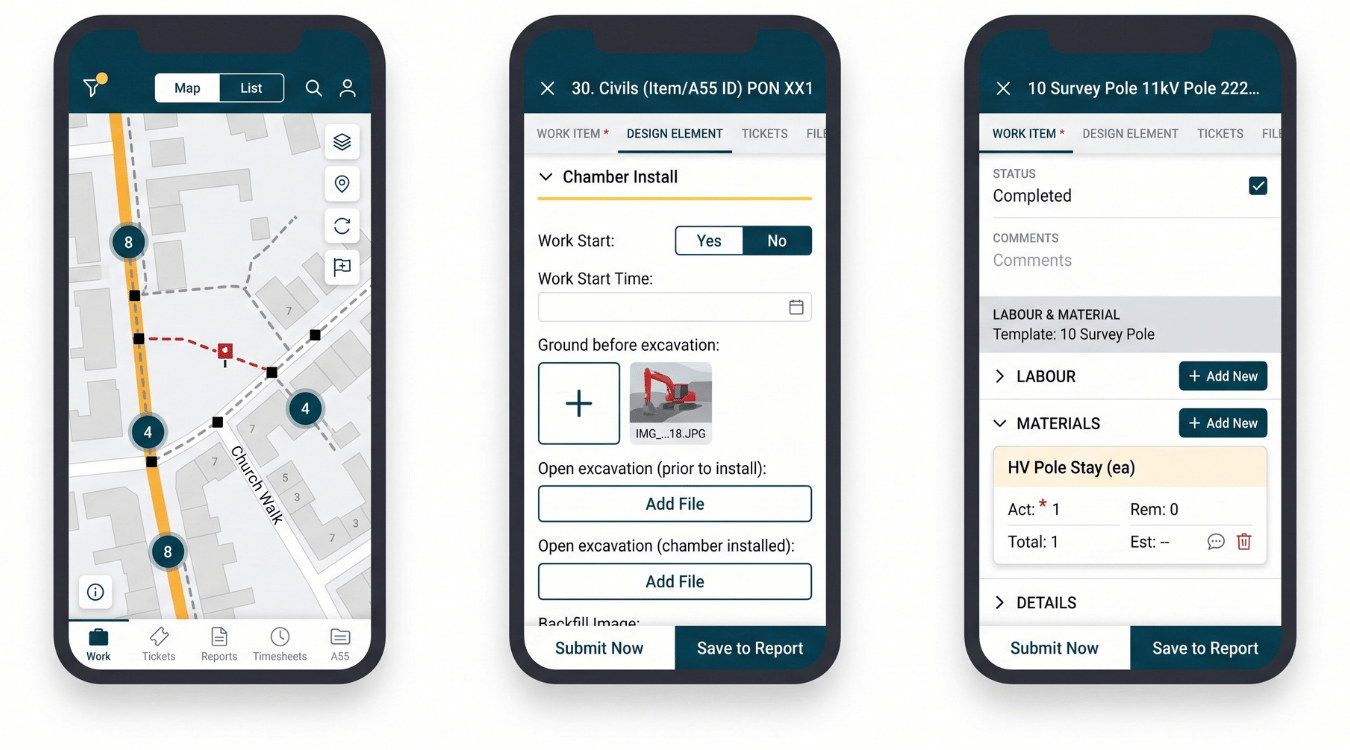
vitruvi-field-ops-3-screens

Report From the Field

Production data the moment work happens. Crews report quantities, photos, and progress from the job site in guided workflows, on web or mobile.

  • Mobile production reporting: structured entry instead of freeform notes

  • Smart submission: built-in checks catch missing or incorrect data

  • Photo and video capture: visual proof tied to the work item

  • Feeder and drop tracking: fiber progress down to the individual drop

“I can now update production in real time. I no longer need to wait until the end of the day when my crews send in completed bore logs. I see where they are working for the day, wheel out the footages as they’re drilling and update Vitruvi. No longer working at the house until 9-10pm trying to gather daily production.”

Field User, Empire Drilling

Capture Any Work
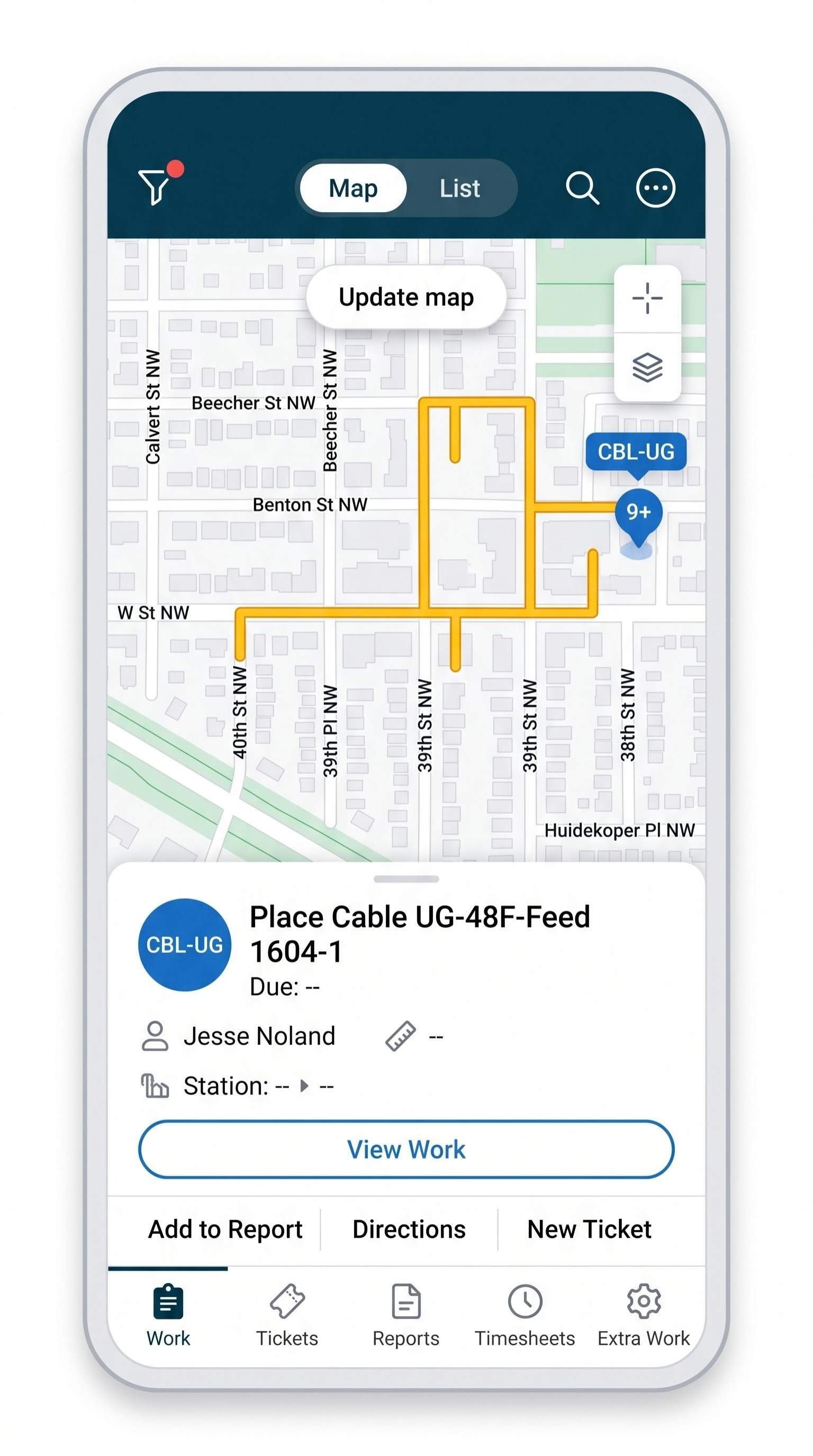
Mobile-Assigned-Work

Capture Any Work

Planned or not, it gets on the record. Crews add unplanned work on site, requests arrive by email as structured work, and PDF plans become work crews can act on.

  • Quick Add work: log extra or unplanned work from the mobile app

  • Email to work: emails become structured, assigned work items

  • PDF work breakdown: execute work directly from PDF plans

  • Schedules and budgets stay current: approved extra work flows in like any other work

“We used to manage everything through WhatsApp. Now having everything in one place makes it much easier to review and reference past work.”

Supervisor, DTI

Keep Crews Moving
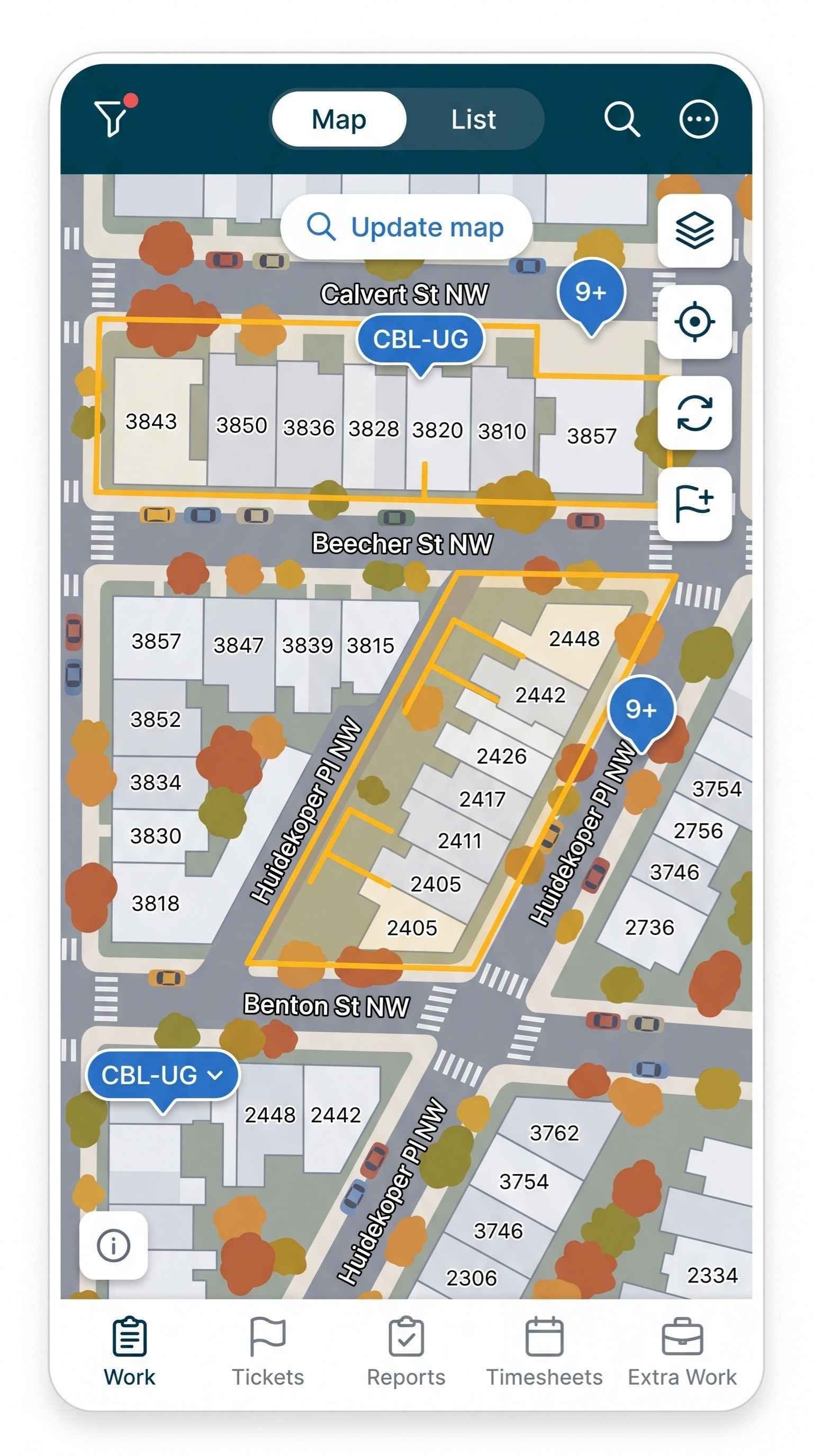
Mobile-Assigned-Work-Map

Keep Crews Moving

Fewer wasted trips, faster approvals. Work starts only when it is ready, and field and office stay in sync as things change.

  • Job Confirmations: readiness checks before crews mobilize

  • Field notifications: real-time alerts by in-app, push, or email

  • Fast approvals: approve or reject reports with comments

  • Offline reporting: submissions sync once a connection returns

“It is nice that I can just reject a daily and put the reason right in why. Whereas before, I used to have to go through WhatsApp and argue, and now once it’s rejected, it’s done.”

Supervisor, DTI

Built for the Teams Who Run the Field

Construction Managers & Supervisors

See what every crew completed today, approve reports from anywhere, and catch missing or incorrect data before it slows down billing.

For Project Managers

Field Crews & Foremen

Report production, photos, and extra work from the job site in a few taps. Guided mobile workflows mean less paperwork and fewer trips back to the office.

For Field Technicians

Subcontractors & Build Partners

Give clients complete, verified proof of work in the format they expect. Clean submissions move through approval faster, so you get paid sooner.

See Financial Management

“Before, people would say ‘we did about a thousand feet’ or ‘maybe fifteen hundred.’ A week later, the real numbers came in, and they were off by ten or twenty percent. Now we know the actual numbers the next day.”

Trusted by Industry Leaders

FAQs About Construction Field Execution Software

What is construction field execution software?

Construction field execution software gives crews a structured way to capture production, photos, and updates from the job site so the office sees progress as it happens. Vitruvi Field Execution replaces paper forms, texts, and spreadsheets with guided mobile workflows tied directly to the work being built.

How do crews submit production reports?

Crews select their assigned work in the mobile or web app, enter quantities, attach photos, and submit a digitally signed report. Managers approve or reject with comments, and approved work is automatically marked complete and pushed to progress tracking and billing.

Do field crews need GIS or technical experience to use Field Execution?

No. On GIS projects crews see their assigned work on a map, and on PDF-based projects they work from a simple list. Required fields and built-in validation guide every submission, so crews get up to speed with minimal training.

Can crews capture unplanned or extra work in the field?

Yes. Crews can log extra work directly from the mobile app, including new assets or work that has already been completed. Managers review and approve each request, and approved work flows into schedules and budgets like any other work item.

How does Email to Work Generation work?

Teams send an email to a dedicated workspace address with the work type, location, and program. Vitruvi turns it into a structured work item, locates the address, attaches any photos or files, and assigns the work to the people copied on the email.

What happens if crews lose connectivity on site?

Crews can keep reporting in areas with poor coverage. Submissions are saved on the device and sync automatically once a connection is available, so field data is not lost.

Can crews work from PDF plans instead of GIS designs?

Yes. PDF Work Breakdown lets teams structure and execute work directly from PDF construction drawings. Crews can annotate drawings on mobile to mark installed sections, and those annotations can be merged into a single document for closeout.

How do Job Confirmations reduce wasted trips?

Job Confirmations let managers set the approvals and readiness requirements that must be met before work begins. Crews mobilize only when a job is confirmed ready, which reduces wasted trips, idle time, and delays.

How are field teams notified of changes?

Vitruvi sends real-time notifications for work assignments, schedule changes, report approvals and rejections, and ticket updates. Users choose in-app, push, or email delivery, and every notification links directly to the related record.

Is Field Execution suitable for fiber, utility, and oil & gas projects?

Yes. Field Execution is built for linear infrastructure with multiple crews, long geographies, and strict documentation requirements. It includes feeder and drop tracking for fiber deployments down to the individual drop.

Give Your Crews a Faster Way to Report

Vitruvi Field Execution makes field reporting simple, structured, and reliable, so production data reaches the office the moment work happens.